
Download Lunacy – design software, AI tools, graphics library, collaboration, cross-platform
Overview
Lunacy is a free mobile design software engineered to support modern creative workflows with AI-powered tools and an integrated graphics library. Designed for digital designers, illustrators, and creative professionals, Lunacy aims to simplify complex design tasks while maintaining high-quality output. The app enables users to create, edit, and collaborate on visual projects directly from their smartphones or tablets, making it ideal for on-the-go design work.
By combining artificial intelligence with a user-friendly interface, Lunacy helps reduce manual effort in tasks such as layout adjustments, object alignment, and image recognition. This makes it particularly useful for users who need to iterate quickly or manage multiple design assets across different platforms. The app is especially beneficial for freelancers, small design teams, and students seeking a cost-effective alternative to premium desktop tools.
Although the developer did not provide additional background information, the app’s feature set suggests a focus on accessibility and innovation in mobile design. Its ability to function across both Android and iOS platforms enhances its reach and utility in a diverse digital ecosystem. With the growing demand for mobile-first creative tools, Lunacy positions itself as a practical solution for designers who value efficiency, collaboration, and visual quality without the need for expensive software.
Key Features & Functionality
- AI-Powered Tools: Advanced artificial intelligence assists with image recognition, object alignment, and automatic layout optimization, allowing users to focus on creativity rather than technical adjustments.
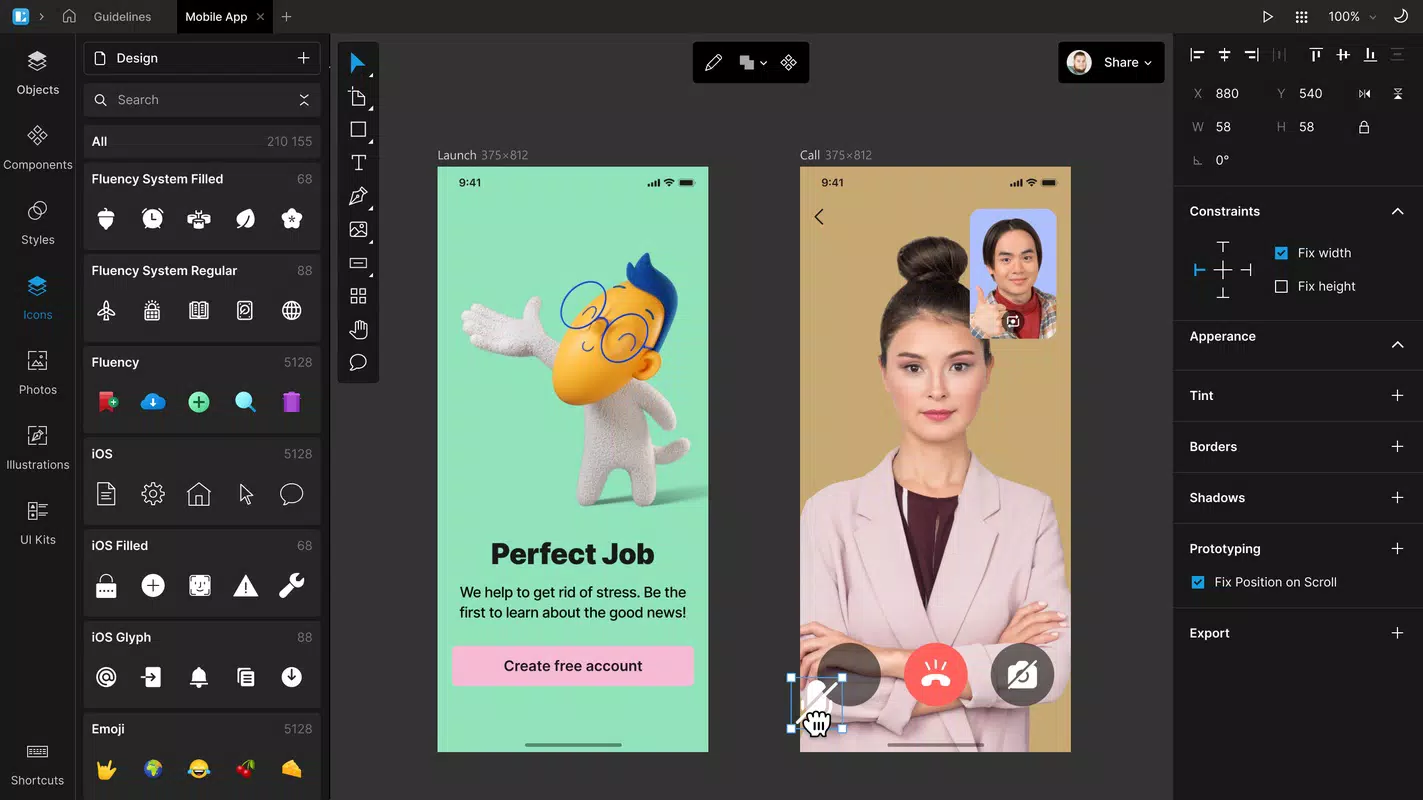
- Built-In Graphics Library: A comprehensive collection of icons, illustrations, and design elements is available directly within the app, reducing the need to source assets externally.
- User-Friendly Interface: The clean, intuitive layout enables smooth navigation for both beginners and experienced designers, minimizing the learning curve.
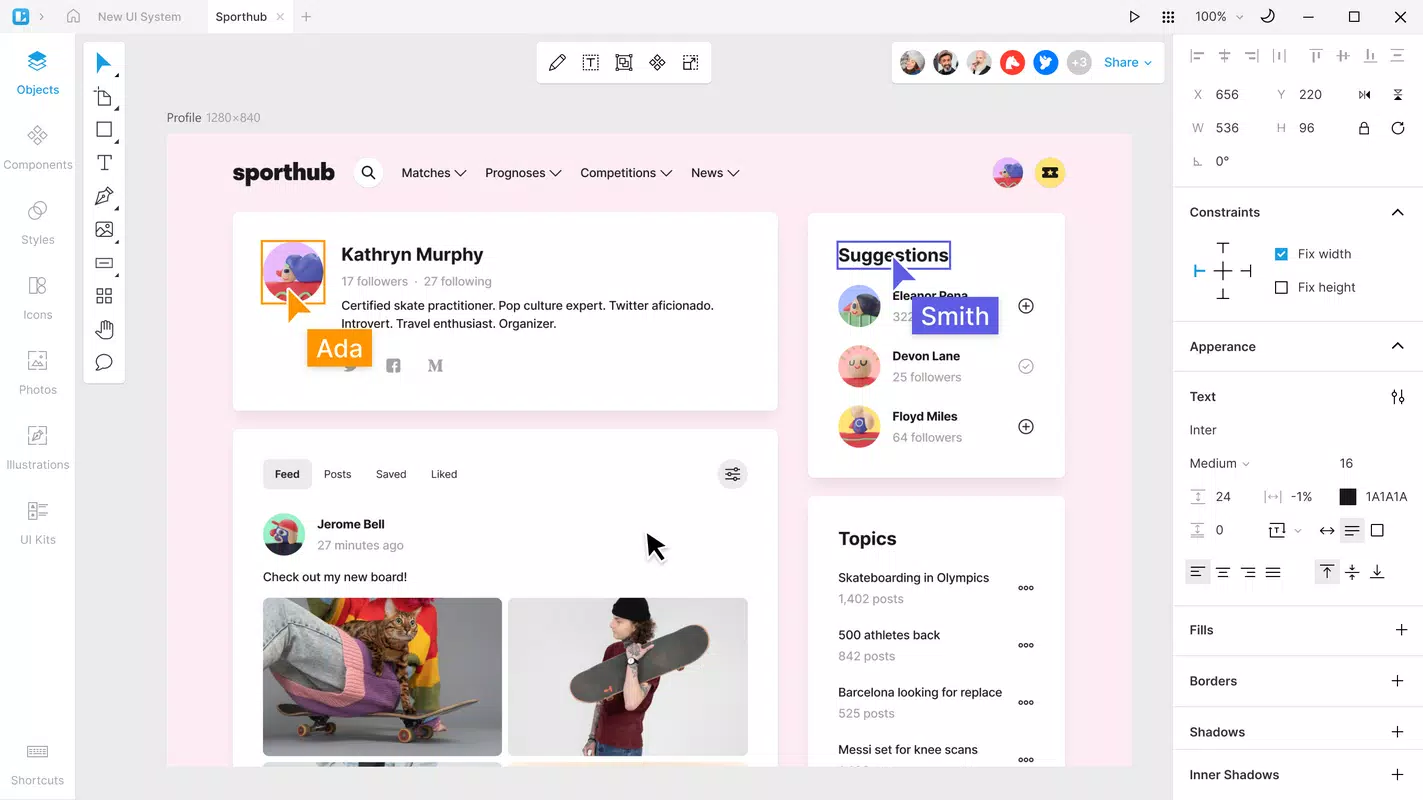
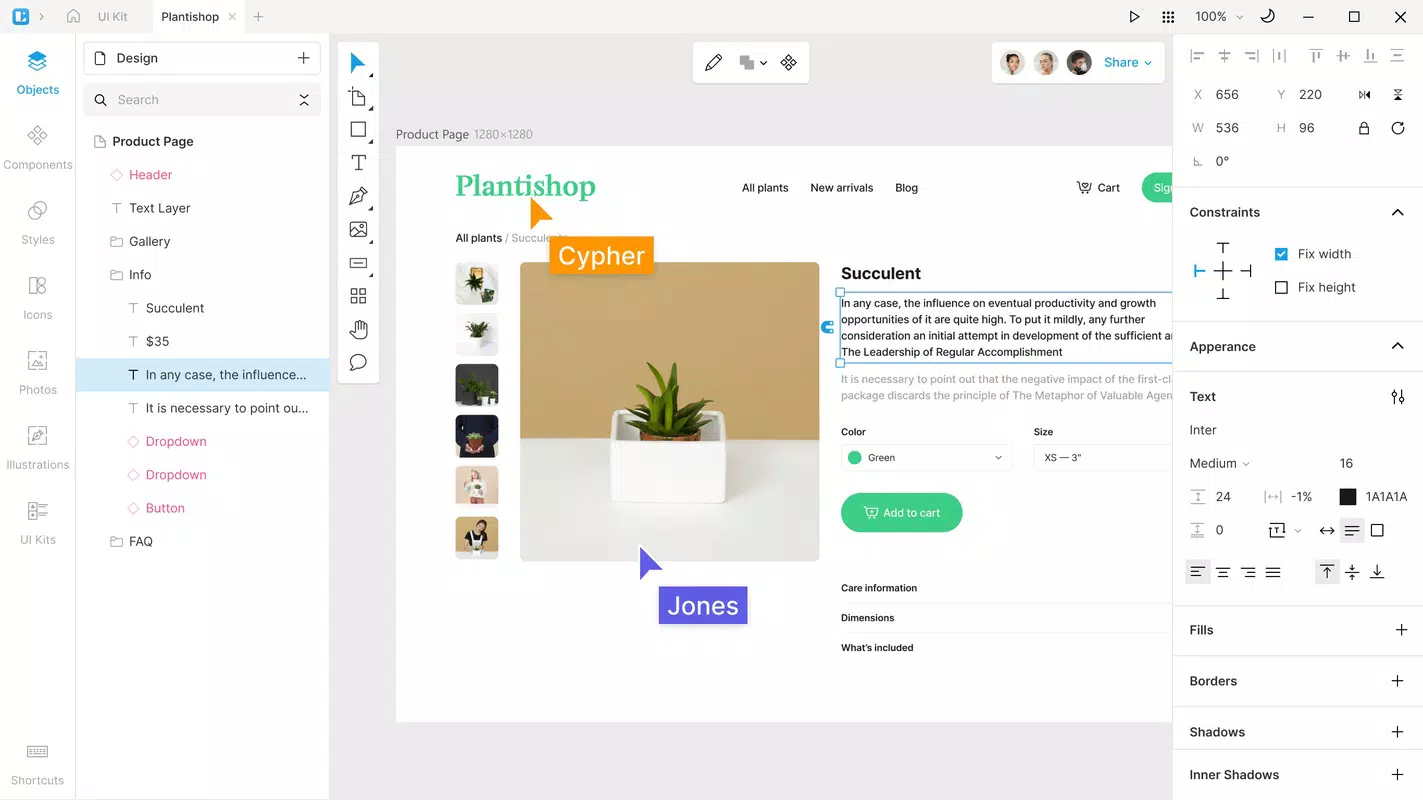
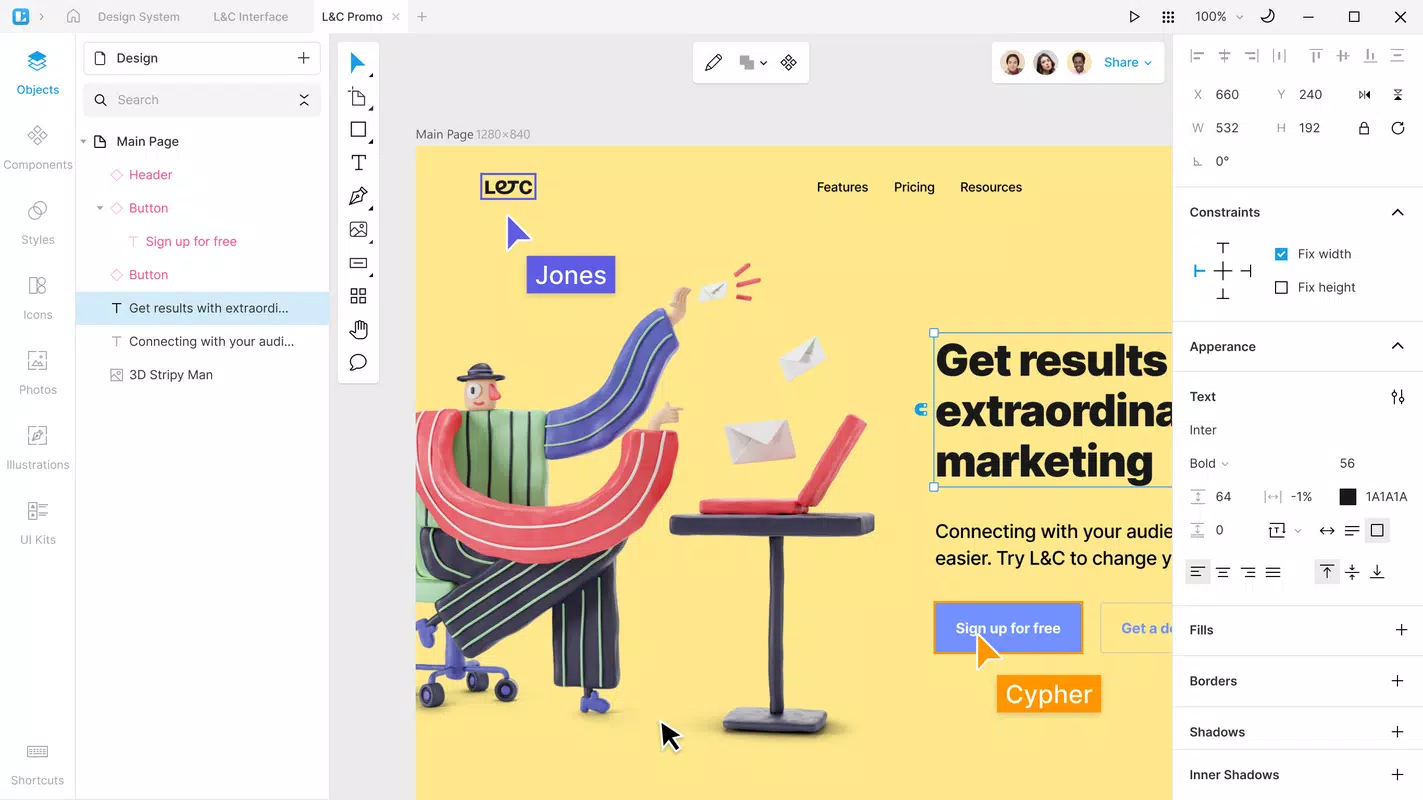
- Seamless Collaboration: Real-time project sharing and commenting features allow team members to work together regardless of location, improving workflow efficiency.
- Cross-Platform Compatibility: Files can be imported and exported across different design environments, ensuring consistent workflows across devices and software ecosystems.
For example, a graphic designer preparing a presentation on a train can use AI tools to align text and images instantly, access a preloaded icon set for visual consistency, and share the draft with a remote team member for immediate feedback. Similarly, a student working on a portfolio can leverage the built-in graphics to enhance mockups without leaving the app. These features collectively support a fluid, efficient design process that adapts to real-world constraints such as time, location, and device availability.
Interface, UX & Performance
Lunacy features a clean, modern interface with clearly labeled tools and logical menu placement. The layout prioritizes accessibility, with frequently used functions placed within easy reach. Navigation is straightforward, allowing users to switch between projects, tools, and libraries with minimal taps.
Although the developer did not list formal performance metrics, the app’s lightweight size of 78.4 MB suggests efficient resource management. Users can expect responsive interactions on mid-to-high-end devices, with smooth transitions between design modes and minimal lag during editing. On older or lower-spec devices, performance may vary, but the app appears optimized for standard mobile hardware.
Stability is maintained through regular updates, as evidenced by the current version (2.5.1). The app maintains consistent state across sessions, and no reports of crashes or data loss were found in available information. Overall, the user experience reflects a mature design philosophy focused on usability, speed, and reliability across diverse mobile environments.
Platform Compatibility & Technical Requirements
Lunacy is available on both Android and iOS platforms, ensuring broad accessibility for mobile users. The current version is 2.5.1, with a file size of 78.4 MB, indicating a lightweight yet feature-rich application. The developer did not specify minimum OS requirements or hardware capabilities, so compatibility with older devices cannot be confirmed.
Users should ensure their device meets standard requirements for running modern design applications, such as sufficient RAM and storage space. The app’s cross-platform nature allows for consistent functionality across devices, supporting seamless transitions between Android and iOS environments. However, specific compatibility details were not disclosed, so users are advised to check their device’s system specifications before installation.
Pros and Cons
- Free to download and use with no hidden costs
- AI-powered tools enhance speed and accuracy in design tasks
- Extensive built-in graphics library reduces dependency on external sources
- Intuitive interface supports users of all skill levels
- Real-time collaboration features improve team workflow
- Cross-platform compatibility ensures consistent design experience
- Specific OS version requirements were not listed
- Advanced features may require a learning curve for complete beginners
- Performance on low-end devices may vary without official specifications
- Offline functionality details were not provided
- Third-party integrations were not mentioned
FAQ
Is Lunacy available for both Android and iOS?
Yes, Lunacy is designed to run on both Android and iOS platforms, offering cross-platform access for mobile users.
Is the app free to use?
Yes, Lunacy is currently free to download and use without subscription or in-app purchase requirements.
What devices can run Lunacy?
The app is compatible with smartphones and tablets that support modern mobile operating systems. Specific device requirements were not listed by the developer.
Does Lunacy require an internet connection?
While the app supports offline use for basic editing, real-time collaboration and access to cloud-based assets may require an active internet connection.
How often is Lunacy updated?
Regular updates are released to improve performance and add new features. The current version is 2.5.1, indicating active development.
Final Thoughts
Lunacy stands out as a powerful, free mobile design tool that brings professional-grade capabilities to handheld devices. Its blend of AI-driven assistance, an extensive graphics library, and real-time collaboration makes it a valuable asset for creatives who need flexibility and efficiency. Whether you're a student, freelancer, or part of a remote design team, Lunacy offers a streamlined, accessible way to create high-quality visuals without investing in expensive software.
The app’s cross-platform compatibility ensures that your workflow remains consistent, regardless of the device you’re using. With its intuitive interface and robust feature set, Lunacy delivers strong value for users seeking a modern, mobile-first design experience.
Download Lunacy now


